MIUI Decrypt Data Team publishes practical guidance for MIUI Secret Album recovery, Xiaomi privacy, and .lsa/.lsav troubleshooting so users can make informed decisions before they upload.
Every blog article is designed to match the product experience: clear explanations, realistic recovery expectations, and a direct path back to the decrypt workflow.
Related articles
Explore more MIUI Gallery recovery guides from the LSA Decrypt team.
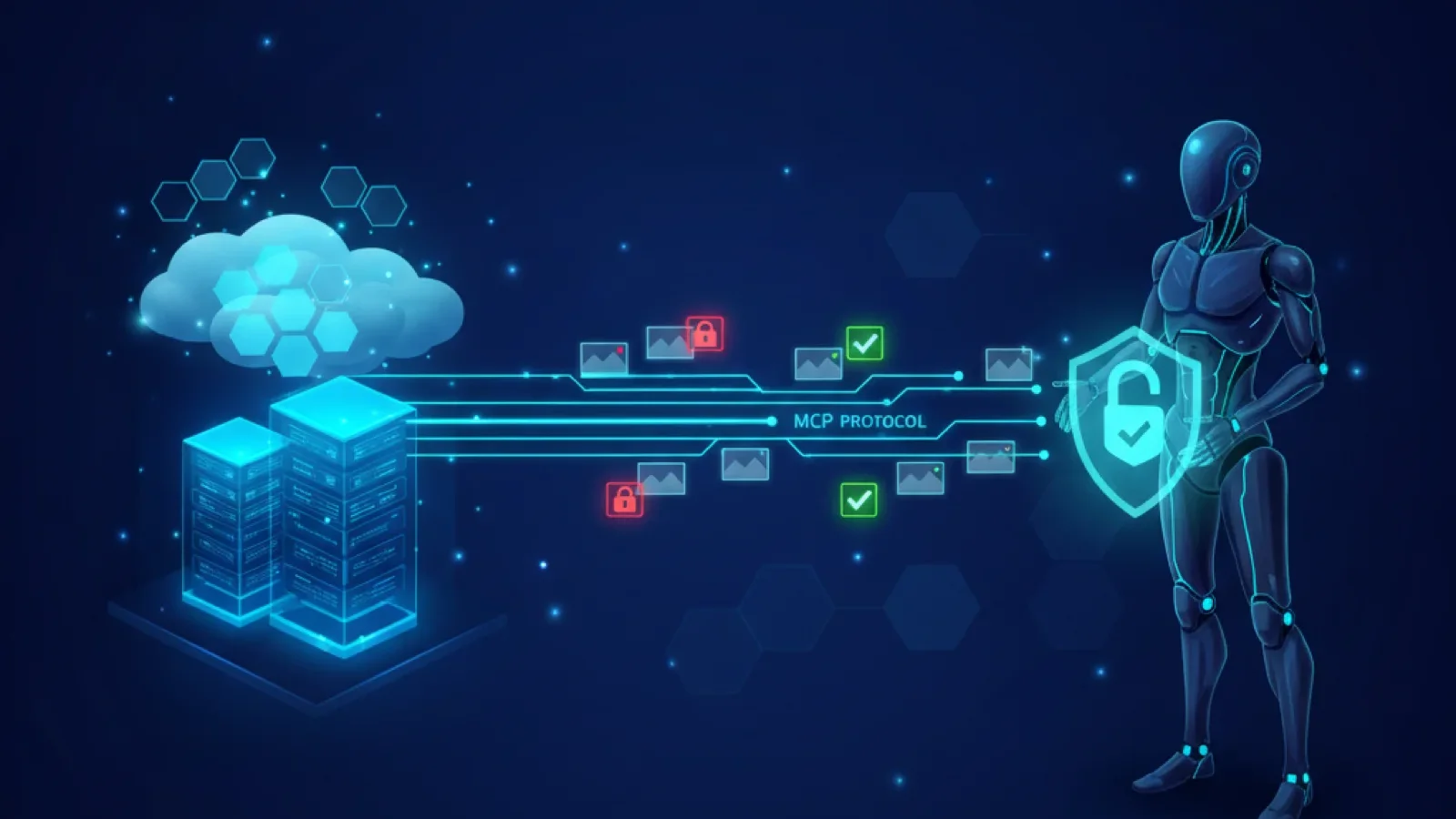
MIUI Decrypt illustration: visualizing the .lsa and .lsav containers, their layered structure, and decryption signals behind each upload.
When MIUI Gallery moves a photo or video into Secret Album, it does not merely hide the file or change its extension. It rewrites the bytes using AES-128-CTR [1][2]. Photos become .lsa files — fully encrypted. Videos become .lsav files — with the first 1024 bytes encrypted, the rest left as plaintext MP4. The encryption key is derived from the MIUI Gallery APK signing certificate, and the initialization vector is a fixed 16-byte value hardcoded in the Gallery app [3][4].
This guide describes the .lsa and .lsav file format as it actually exists — not as an archive with internal entries, but as a directly encrypted media payload with a filename that encodes a key fingerprint. If you only need to recover a file, start with the decrypt page. For a quick in-browser preview without downloading, use the LSA File Viewer. If you need to understand the byte-level layout, this reference covers the format, the filename convention, the decryption parameters, and the differences between photo and video containers.
Xiaomi does not publish a formal specification for these containers. The description below is based on independent reverse engineering of the MIUI Gallery app and confirmed by the decryption code that processes thousands of files daily [3][4].
Container structure at a glance
An .lsa or .lsav file has a simple structure. Unlike a layered archive format with separate metadata and payload entries, the entire file is either ciphertext (for photos) or a mix of a short encrypted header followed by plaintext (for videos). The filename itself carries the most important metadata: the MD5 hash of the encryption key, which allows MIUI to select the correct decryption key when the APK certificate changes between versions.
A typical filename looks like this: 3e751332435bfad27569ca4efed1b602.lsa The hash 3e751332435bfad27569ca4efed1b602 is the MD5 digest of the first 16 bytes of the MIUI Gallery APK signing certificate — the same bytes used as the AES-128 key. If Xiaomi signs a future Gallery update with a different certificate, the key and the filename hash both change, but the decryption scheme and file layout remain identical.
This direct-encryption layout means that generic tooling produces predictable results. Opening an .lsa file in a hex editor shows apparently random bytes — the AES-CTR keystream XORed with the image data. Opening an .lsav file shows a short block of random-looking bytes at the start (the encrypted MP4 header), followed by recognisable MP4 atoms in plaintext. A media player attempting to play an .lsav directly will fail because the header is corrupted.
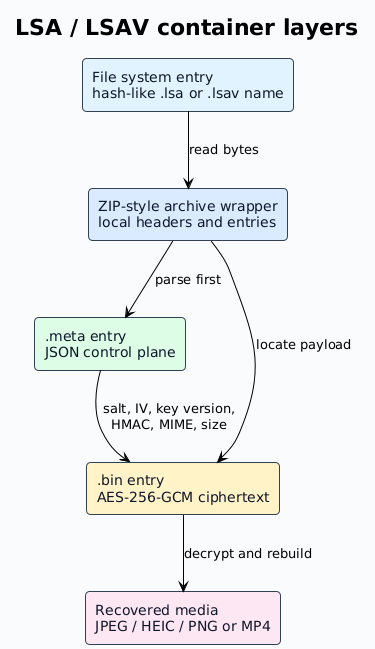
LSA and LSAV file layout at the byte level. The filename carries the key fingerprint. Decryption restores the original media bytes without any wrapper or metadata entry to parse.
Component
.lsa (photo)
.lsav (video)
Encryption
Entire file is AES-128-CTR ciphertext
First 1024 bytes are AES-128-CTR ciphertext
Key
First 16 bytes of MIUI Gallery APK signing certificate (X.509 DER)
IV
Fixed 16-byte value hardcoded in the Gallery app
Key fingerprint
MD5 hash of key in filename: hash.lsa / hash.lsav
Integrity
None — CTR mode provides no authentication; any ciphertext modification results in corrupted output without warning
Plaintext after decrypt
JPEG, HEIC, or PNG image bytes
Complete MP4 with headers, video, and audio tracks
Filename convention: embedding the key fingerprint
The filename of a Secret Album file is not a random UUID. It encodes the encryption key's MD5 hash so that MIUI Gallery can determine, at a glance, which key was used to encrypt the file. The format is:
<md5_of_key>.lsa — for photos <md5_of_key>.lsav — for videos
The path on device is typically: Internal Storage/MIUI/Gallery/cloud/secretAlbum/3e751332435bfad27569ca4efed1b602.lsa
The reference MD5 3e751332435bfad27569ca4efed1b602 corresponds to the standard MIUI Gallery APK signing certificate used across most MIUI 12–14 and HyperOS builds. This same hash is checked by independent decryption tools to confirm compatibility before attempting decryption [3].
Encryption scheme: AES-128-CTR
The cipher used for Secret Album files is AES-128 in CTR (counter) mode. CTR mode converts a block cipher into a stream cipher by encrypting successive counter values and XORing the output with the plaintext [2].
Key
The 128-bit key is the first 16 bytes of the MIUI Gallery APK's X.509 signing certificate in DER encoding. This is a static value for a given APK version: every file encrypted by that Gallery build uses the same key. The key can be extracted from the APK with standard tools:
keytool -printcert -jarfile com.miui.gallery.apk
# Output includes the certificate in PEM/base64 format.
# The first 16 bytes of the DER-encoded certificate are the AES key.
Initialization vector (counter)
A fixed 16-byte IV is hardcoded in the Gallery app and used as the initial counter value for CTR mode. Because the IV never changes and there is no per-file nonce, encrypting the same plaintext with the same key always produces identical ciphertext. This means the scheme does not provide semantic security — a property that a cryptographically rigorous design would guarantee by using a fresh random nonce per encryption.
No authentication
CTR mode does not include an authentication tag, a message authentication code (MAC), or any mechanism to verify ciphertext integrity. If any byte of the encrypted file is altered — whether by storage corruption, transmission error, or intentional modification — the decryption produces corrupted output with no warning. There is no HMAC, no GCM auth tag, and no integrity check at either the file level or the stream level.
Video header-only encryption
For .lsav (video) files, only the first 1024 bytes are encrypted. This is sufficient to corrupt the MP4 file header (ftyp, moov atoms) so that standard media players cannot open the file. The remainder of the video — the audio and video track data — is stored in plaintext within the file. Decrypting just those 1024 bytes restores the MP4 header and makes the file playable.
This design choice has important implications. Most of the video data travels without any cryptographic protection. The practical privacy benefit of Secret Album for videos is that the file cannot be played by casual inspection — but anyone who knows that only the first 1024 bytes are encrypted can extract the raw MP4 data by simply discarding the header.
Decryption process
Decrypting an .lsa or .lsav file is straightforward:
Read the file. Load the entire file into memory (for photos) or at least the first 1024 bytes (for videos).
Determine the key. If the filename contains an MD5 hash, verify it against the known key. The standard MIUI Gallery key has the hash3e751332435bfad27569ca4efed1b602.
Decrypt. Create an AES-128-CTR cipher with the 16-byte key and the 16-byte fixed IV, then decrypt the appropriate range: the entire file for .lsa, or only the first 1024 bytes for .lsav.
Write the output. For photos, the decrypted bytes are a standard image file. For videos, concatenate the decrypted header with the remaining plaintext bytes and save as .mp4.
No metadata parsing, no integrity verification, no key derivation, and no archive extraction is needed. The decryption is a single AES-CTR operation.
Post-decryption differences between .lsa and .lsav
Although the encryption scheme is the same, photos and videos diverge after decryption in ways that affect file handling, preview generation, and recovery.
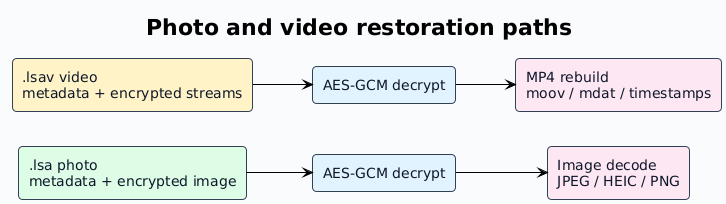
Photo restoration decrypts the entire file. Video restoration decrypts the header and leaves the rest unchanged — but the resulting MP4 may need remuxing to repair timestamps or seek tables.
Aspect
.lsa photos
.lsav videos
Encrypted portion
Entire file
First 1024 bytes only
Decrypted plaintext
JPEG, HEIC, or PNG image bytes
MP4 container with video and audio tracks
Typical size
Kilobytes to tens of megabytes
Tens of megabytes to multiple gigabytes
Preview path
Decrypt file, then decode image and generate thumbnail
Decrypt header, then extract a representative frame via FFmpeg
Corruption behaviour
Corruption often breaks the image completely
Truncation may leave a playable prefix; the key is in the first 1024 bytes
Post-processing
Restore correct filename extension and MIME type
May need MP4 remuxing to repair timestamps, duration, and seek metadata
Damage scenarios and practical diagnostics
Because the format lacks integrity checks, diagnosing file damage requires heuristics rather than cryptographic verification.
Truncated .lsa file: The decrypted output may show a partial image. Image decoders typically produce an error or a corrupted rendering. Recovery requires obtaining a complete copy of the original .lsa.
Truncated .lsav file: If the first 1024 bytes are intact, the decrypted MP4 header will be correct, and a player may play the video up to the point of truncation. The missing tail means the video ends abruptly. A longer or complete copy is needed.
Corrupted first 1024 bytes (.lsav): The MP4 header will be corrupted after decryption. The video will not play at all, even though the bulk of the video data may be perfectly intact. Recovery requires a valid copy of the first 1024 bytes from another backup or re-encrypted from the original.
Wrong key or IV: Decrypting with the wrong key or IV produces pseudo-random output. For JPEG images, the output will not contain the JPEG magic bytes (FF D8 FF). For MP4 files, the output will not have a valid ftyp atom. This is the only reliable way to detect a key mismatch — there is no checksum or MAC to check beforehand.
Renamed file: An .lsa file that has been renamed (e.g., to.jpg or .mp4) still contains the encrypted data. Renaming does not affect the bytes, so decryption still works once the original extension is restored.
Implementation notes for tools and recovery workflows
Tooling that handles .lsa and .lsav files should be simple and transparent:
Determine the key. Verify the filename's MD5 hash against the known key before attempting decryption. The standard key has hash3e751332435bfad27569ca4efed1b602.
Classify by extension..lsa means the entire file is ciphertext. .lsav means only the first 1024 bytes are ciphertext.
Handle video efficiently. For .lsav, decrypt only the first 1024 bytes. Concatenate with the remaining bytes and output as .mp4.
Detect key mismatch. After decryption, check for known magic bytes: JPEG starts with FF D8 FF, HEIC with 00 00 00 18 ftypmif1, MP4 with 00 00 00 18 ftyp. Absence of these bytes likely means the wrong key or IV.
Preserve originals. Keep a copy of the original encrypted file before any processing. The decrypted output should be a separate copy, not an in-place replacement.
Bulk processing. Each file is independent. Process them in parallel without shared state. Report per-file success or failure based on magic-byte detection after decryption.
Security considerations
Because the encryption key is static and derived from the APK signing certificate, Secret Album encryption provides obfuscation rather than cryptographic privacy against a determined adversary. For photos and videos that truly need to be private, an additional layer of encryption — such as VeraCrypt [5] or Cryptomator [6] — is recommended for the decrypted files. See the Xiaomi privacy and data security guide for a detailed discussion of the limitations and best practices.
ObikBobik, miui-cloud-decryptor: Xiaomi gallery hidden files decryptor (.lsa/.lsav), GitHub repository. https://github.com/ObikBobik/miui-cloud-decryptor Independent reverse engineering confirming AES-128-CTR with a hardcoded 16-byte IV and the first 16 bytes of the MIUI Gallery APK certificate as the encryption key. Documents the filename convention with MD5 key fingerprint.
Dennis Kabui, Decrypting MIUI Cloud files, October 2025. https://blog.denniskabui.com/decrypting-miui-cloud/ Technical analysis of the AES-128-CTR implementation used by MIUI Secret Album, including counter reconstruction from the fixed IV and partial video header encryption.
MIUI Decrypt Data Team publishes practical guidance for MIUI Secret Album recovery, Xiaomi privacy, and .lsa/.lsav troubleshooting so users can make informed decisions before they upload.
Every blog article is designed to match the product experience: clear explanations, realistic recovery expectations, and a direct path back to the decrypt workflow.
Related articles
Explore more MIUI Gallery recovery guides from the LSA Decrypt team.